How to Track Add to Cart on Shopify Without GA4

I have run a Shopify store for a few years, and for most of that time "add to cart" was the first number I checked every morning. It told me, faster than conversion rate ever could, whether yesterday's ads landed and whether a product page was clicking with people. Then, a few months ago, it quietly vanished from my dashboard.
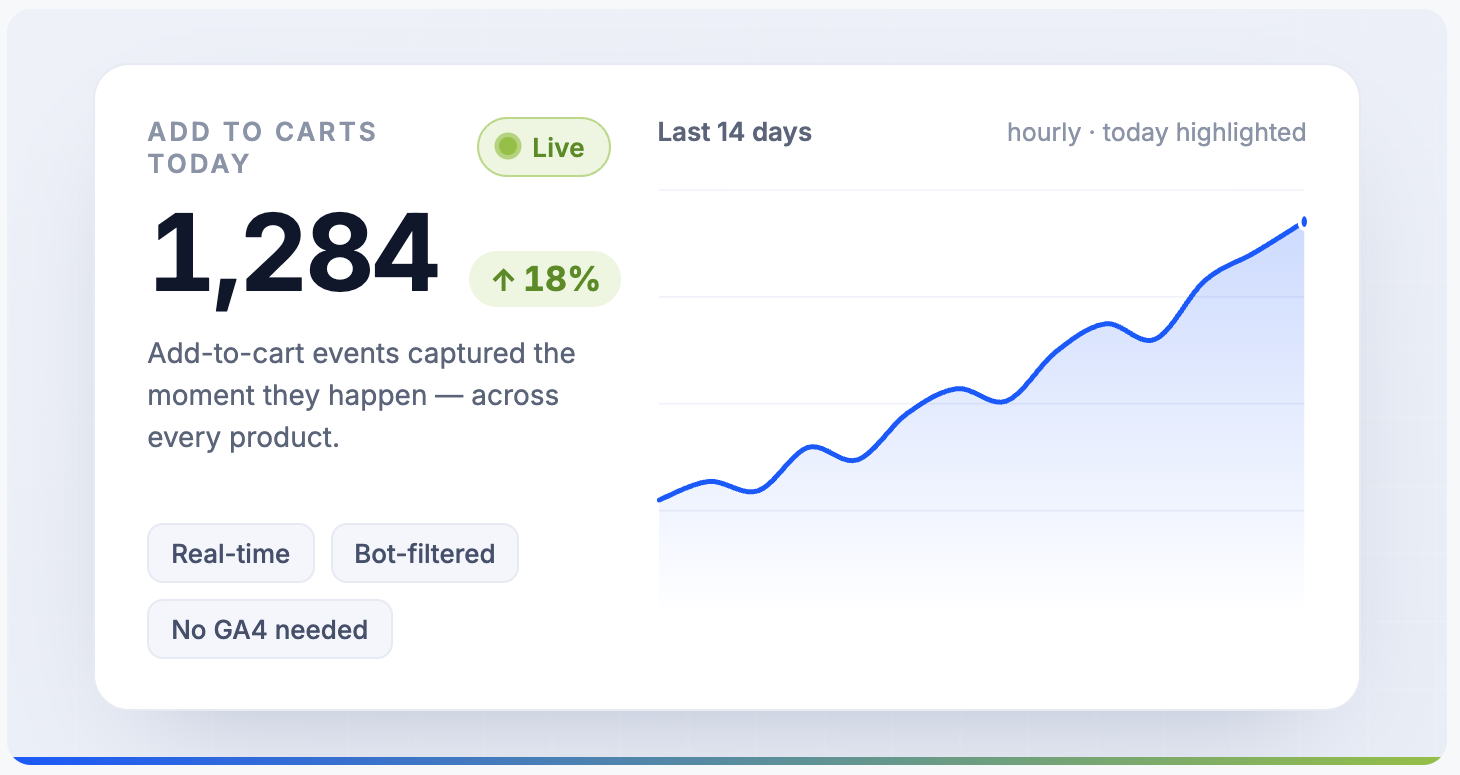
At first I assumed it was a bug. It is not. Shopify removed it. The data is still there, but the live view is gone, and most merchants get told to go set up Google Analytics instead. You do not have to. The short version: a real-time cart analytics app records every add to cart as it happens, with bots filtered out and each event linked to whether the customer ordered, without GA4's lag and noise.
Here is what actually changed, why GA4 is the wrong tool for a live view, and the faster way to get your add to cart visibility back.
Shopify rolled out a new analytics platform and re-architected how the product_add_to_cart event is emitted as part of the move to its Web Pixels API. During that migration, the old add to cart widget on the default dashboards got pulled.
The data did not disappear. The display of it did. If you dig into Analytics, Reports, Behavior, the Top products by adds to cart report is still there on the Shopify plan and above. But the headline number that used to tell you at a glance whether yesterday's ads worked is gone, and Shopify did not make any noise about removing it.
That matters because a high add to cart count next to a low conversion rate points straight at the checkout, which is the part of the funnel Shopify owns. Whatever the reason, the number you most want is the one that is hardest to see.
Shopify's GA4 integration does capture add_to_cart events automatically, and in theory you can rebuild any report you want. In practice, three things get in the way:
- It lags. GA4 data can take hours to settle, so it is useless for catching a broken checkout the day it breaks.
- The interface fights you. Building even a simple add to cart report in GA4 is a project, not a glance.
- The data is unfiltered. Bot traffic is mixed in with no easy way to strip it out, so your add to cart counts are inflated.
GA4 is a reasonable safety net for marketing attribution. It is not a replacement for a live operational view of what is in carts on your store right now.
1. The buried Shopify report
Analytics, Reports, Behavior still has a Top products by adds to cart report. It works, but it is slow, does not update in real time, and includes bot traffic with no filter. Fine for a monthly look back, not for catching problems as they happen.
2. A purpose-built cart analytics app
This is where most merchants land once they realise GA4 and the buried report both leave them squinting at lagging, polluted data. A dedicated app gives you a real-time feed of every add to cart as it happens, with bots filtered by default and each event tied to whether the customer eventually ordered. Most install in a couple of minutes with a free plan to start.
Whichever app you compare, four things separate a real operational tool from a prettier version of the buried report:
- Real-time delivery so you see add to carts as they happen, not hours later.
- Bot filtering on by default, so your counts reflect real shoppers.
- Order linkage, so each add to cart is tied to whether it became a purchase.
- Ingestion redundancy, pulling from both the web pixel and Shopify webhooks so one source outage does not cost you data.
Cartlytics is a Shopify-native app built for exactly this: every add to cart in real time, bot filtering on by default, order linkage, and dual ingestion from the web pixel and webhooks. There are other apps in the category worth comparing against the four criteria above.
- Install Cartlytics from the Shopify App Store.
- Open the dashboard to watch add to carts arrive in real time, filtered for bots, with the product, location, and traffic source for each.
- Optionally turn on daily or weekly email reports so the number comes to you instead of you logging in for it.
Do not rely on a single source for your funnel data. Shopify can change its dashboards whenever it wants, and it will, without warning. Capturing your add to cart data somewhere outside Shopify, whether that is GA4 as a backstop or a dedicated app for the live view, means the next time a metric disappears you already have it.
The frustration is legitimate. The data is recoverable. And you do not need GA4 to get it back.
Does Shopify still show add to cart?
Shopify still collects add to cart data, but it removed the headline number from the default dashboard during its move to the Web Pixels API. You can find a lagging Top products by adds to cart report under Analytics, Reports, Behavior on the Shopify plan and above, but there is no live add to cart view in the dashboard anymore.
Can I track add to cart without Google Analytics?
Yes. You do not need GA4 to track add to cart on Shopify. A purpose-built cart analytics app records every add to cart event in real time, filters bots out, and links each event to whether the customer ordered, without the lag and unfiltered data that make GA4 hard to use operationally.
Why is GA4 a poor fit for live add to cart tracking?
GA4 captures add_to_cart events but the data lags by hours, the interface is hard to build reports in, and the events are unfiltered so bot traffic is mixed in. That is workable for marketing attribution but not for a live operational view of what is in carts on your store right now.
How do I see add to cart activity in real time on Shopify?
Install a real-time cart analytics app such as Cartlytics from the Shopify App Store. It shows every add to cart as it happens with the product, location, and traffic source, with bots filtered by default, and no theme edits or tracking code to manage.